Every platform rewards video. Instagram, TikTok, YouTube, Facebook, LinkedIn and even Google's search results surface it first. Customers trust it more than text. And a large share of business owners would rather do their taxes than record themselves talking. This article is for them.
The good news: most of the video that drives business doesn't need a face. The better news: the one format that does, the founder speaking plainly to a customer, is far easier than it looks once you stop trying to perform.
Seven video formats that don't need you on camera
1. The process video
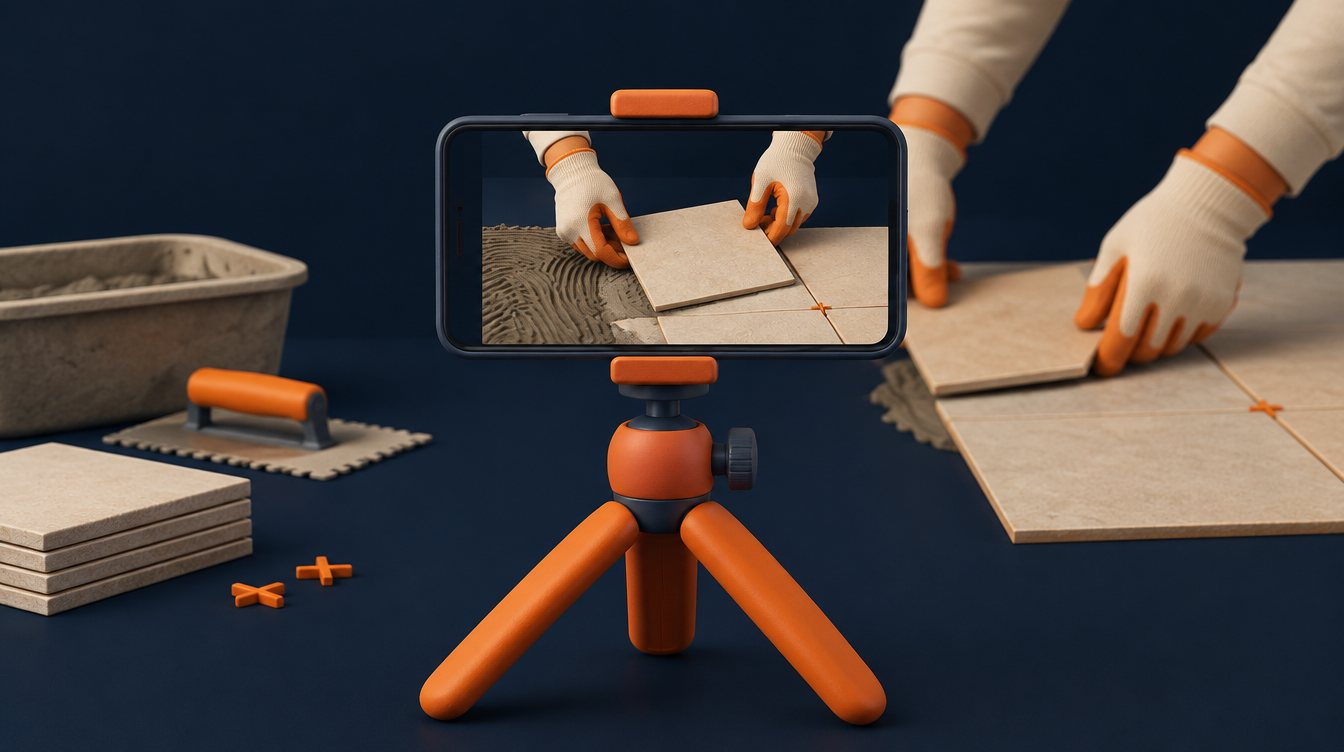
Point a phone at the work. A roof going on, a kitchen being tiled, a car being detailed, a shipment being packed. Speed it up, add captions and music, and you have the most trusted content in your industry: proof that you do the thing.
2. Before and after
Two photos or clips and a transition. Works for anything that changes state: landscaping, dental, cleaning, renovation, design, fitness. Endlessly repeatable.
3. The customer's voice
A customer on a video call, recorded with permission, answering three questions: what was the problem, why did you choose us, what changed. Their face, not yours. The most persuasive minute you can publish.
4. Screen recordings and walk-throughs
Software, reports, dashboards, quotes, the inside of a truck, the layout of a facility. Narrate over it or caption it. Explanation beats performance.
5. Text-on-screen answers
Take the ten questions customers ask most and answer each in a 30-second captioned video over relevant b-roll. Searchable, shareable, and no face required.
6. AI-generated visuals
Product renders, concept visualizations, animated diagrams and b-roll that would otherwise take a crew. We use them for the parts of a video that illustrate an idea; real work and real people stay real, because that's what customers trust.
7. The voice memo video
Record yourself talking through a customer question as if leaving a voicemail, then pair the audio with footage of the work. You never appear, and it sounds exactly like you.

When the founder video is worth it
For most businesses, the single highest-converting asset is a plain video of the owner explaining what they do and how they think about it. Buyers hire people. Here's how to make it painless:
- Don't perform. Answer. Have someone off camera ask you a real customer question. Answer them, not the lens.
- Record long, cut short. Talk for ten minutes; the editor keeps ninety seconds. Nobody sees the stumbles.
- Use your phone, good light and a cheap lapel mic. Audio quality matters more than camera quality.
- One take is enough. Perfection reads as rehearsed. Slightly imperfect reads as honest.
- Batch it. Record ten questions in one hour, once a quarter. That's forty short videos a year.
A cadence you can actually sustain
The businesses that win with video aren't the ones with the biggest budgets; they're the ones still publishing in month nine. A sustainable plan for most companies:
| Format | Frequency | Effort |
|---|---|---|
| Process clips and before/after | Weekly | Phone footage from the job, edited in batches |
| Text-on-screen answers | Weekly | One writing session a month |
| Founder Q&A | Batch quarterly, publish weekly | One hour of recording |
| Customer story | Monthly | A fifteen-minute video call |
| Brand or explainer film | Once, refreshed yearly | A project |
Where each video goes
Cut vertical for Instagram Reels, TikTok and YouTube Shorts. Cut horizontal for the website, YouTube and LinkedIn. Put the customer story and founder video on the service pages where people are deciding. Turn the best-performing short into a paid ad; it's already proven itself organically.
How to measure it
Watch time and completion rate tell you whether the video works. Click-through and the leads or sales that followed tell you whether the channel works. Both belong in the monthly report, and the second one decides what you make next. A video that got 400 views and produced two booked customers beat one that got 40,000 views and produced nothing.

A minimal kit that punches above its price
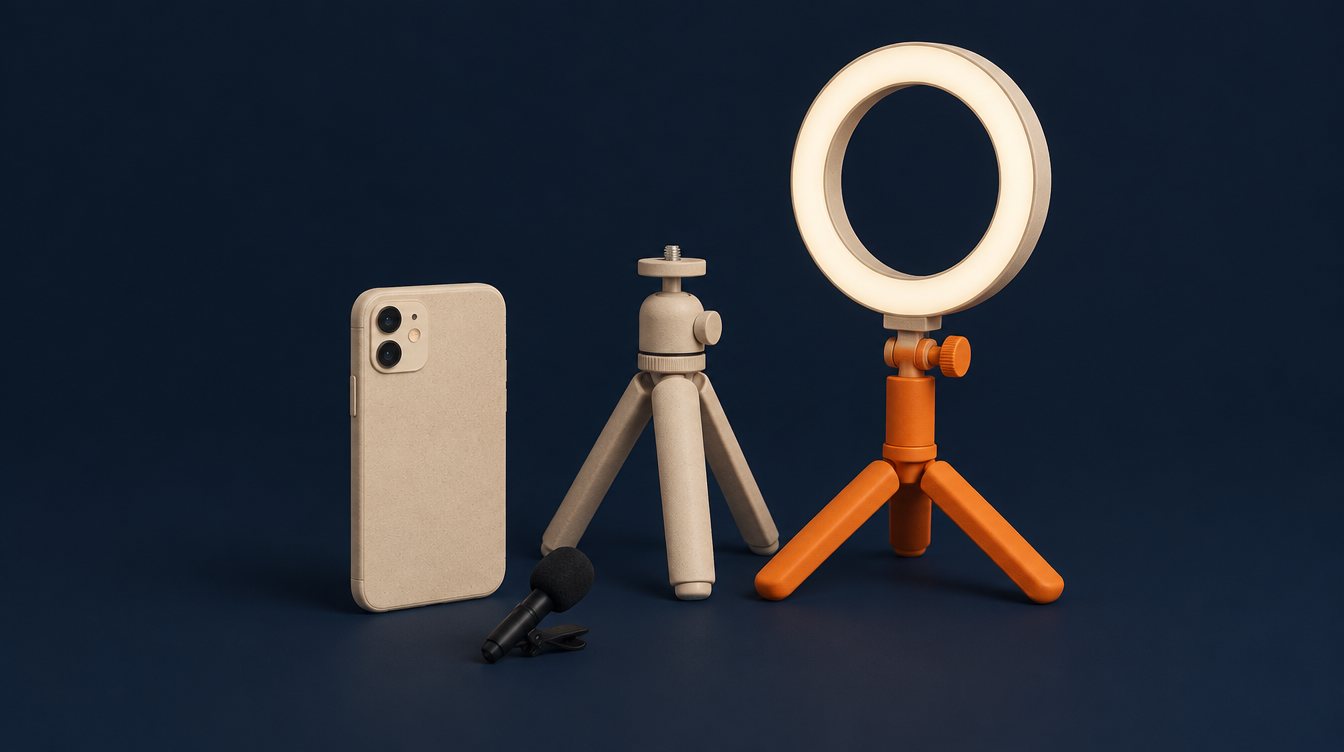
A recent phone, a clip-on wireless microphone, a small tripod with a phone mount, and a window or a single soft light. That's the whole kit for the formats in this article, and it produces footage that looks and sounds better than most local competitors' output. Shoot in the highest resolution your phone allows, hold shots longer than feels natural, and capture ten seconds of ambient sound at each location for the editor. Everything else, color, captions, cuts and music, happens in editing.
Editing workflow for a small team
We build client editing around Final Cut Pro on a Mac: import each shoot into a library by month, use keywords for format (process, before/after, Q&A), and keep a template project for each output size so vertical and horizontal cuts share the same edit. Auto-captions go on everything, then get read once by a human for names and numbers. A batch of ten shorts from one hour of footage is a realistic afternoon once the templates exist. The point is not polish; it's a repeatable process that survives busy months.

Scripts you can steal
- The mistake video: "The most common mistake we see with [thing] is… here's what it costs, here's how to avoid it."
- The price video: "People ask what [service] costs. Here's what drives the number up and down." Nothing builds trust faster than talking about money plainly.
- The timeline video: "From your call to a finished [project], here's what happens each day."
- The behind-the-decision video: "Why we use [material/method] instead of the cheaper option."
- The FAQ pair: a customer question in text, your answer over b-roll, fifteen seconds.
Where video quietly moves the numbers
Beyond social feeds: a sixty-second explainer on a service page lifts time on page and conversion. A founder video in the email that confirms an appointment reduces no-shows. A customer story in the proposal follow-up closes deals. Short clips on the Google Business Profile increase profile engagement. Video ads built from proven organic clips lower cost per lead because the message is already tested. Measure each placement by what it changed, and keep making the kinds that change something.
You don't have to love the camera. You have to be willing to show the work, let customers speak, and answer real questions in your own voice. The rest is editing, and that part you can hand to someone else.
Want this done for your business?
Start with a free audit. Sean looks at your site, listing, ads and tracking and tells you what he'd fix first, in plain English.